
Sign now
Sign a document without an account. Nothing is kept when you close the tab.
Drop a PDF. Your signature lands on the line with today's date beside it. Press Enter and take your copy.
Some letters in this name are not in the handwriting styles, so the whole name uses one plain face.
Signed. The seal could not be added: try again
Sign a document without an account. Nothing is kept when you close the tab.
Keep seals and work through a batch when you need more than one copy.
Prepare and sign together in a shared Room, with a record of each step.
Choose a PDF or a photo. It opens here, on your device.
The signature line and date are found on the page.
Press Enter to finish, then save the signed PDF.
A crooked photo becomes a flat, readable page before you sign it.
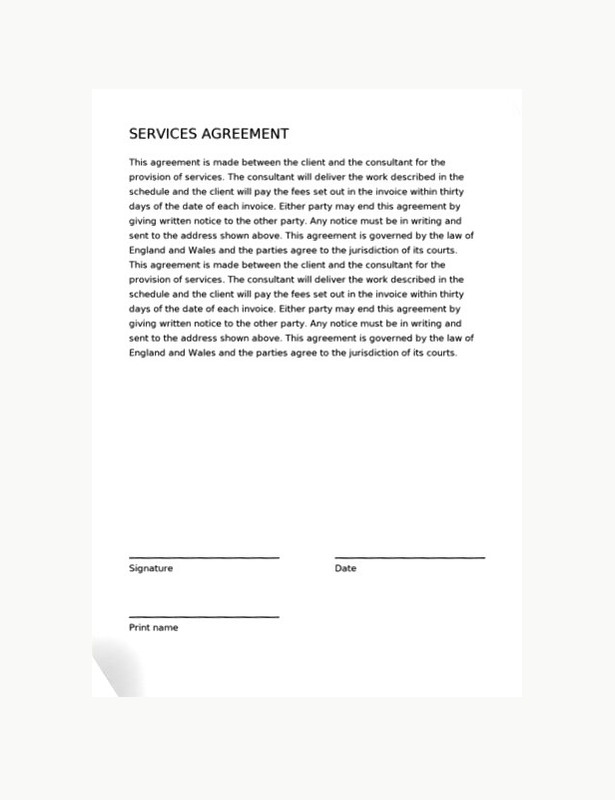
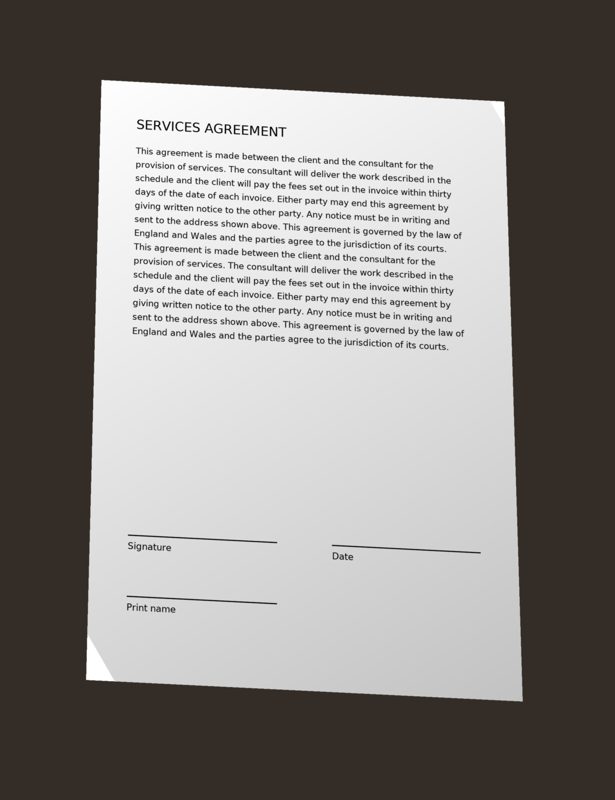
Sign in to seal a copy. We keep its fingerprint, never the file. Anyone can check a sealed PDF later.
Sign inSign without an account. It is signed on your device, and your document is gone when the tab closes. If you choose to remember your signature, it stays on this device until you forget it. With an account, sealing sends only the finished PDF fingerprint to the registry.
Rooms store their documents with us so a team can share them. Everything else stays on your device.
Signing a document here is free.
No. Open a file, sign it, and save your copy.
It stays in this browser while you work. Nothing is uploaded when you sign here.
It places your signature on the PDF. Account holders can also seal a copy. It is not a qualified electronic signature and no legal advice is given.
It is your name or signature mark placed on a document to show you agree to it. Signing here makes a simple electronic signature. Whether it is enough for a particular document depends on that document and where you are; this page does not give legal advice.
A seal proves that a PDF is exactly the file that was sealed, on the date shown. It does not prove who signed, that anyone read the document, or that its contents are true or lawful.
Open any document, then choose Forget my details next to your signature. Your signature, name, position and initials are removed from this browser.
Files up to 50 MB open for signing. Everything happens in this browser, so large or long files take longer and use more of your device's memory. Pages are drawn as you scroll to keep that down.
PDFs, scanned pages, and JPG, PNG or WebP photos. Several photos can be opened as one document.